Background
Pictures of a working setup for the Honeywell UDA2182 dual analyzer that is controlling to a pH set point after a durafet probe and CO2/solenoids are installed. CO2 is injected into a header tank using a ozone injector.
Pictures
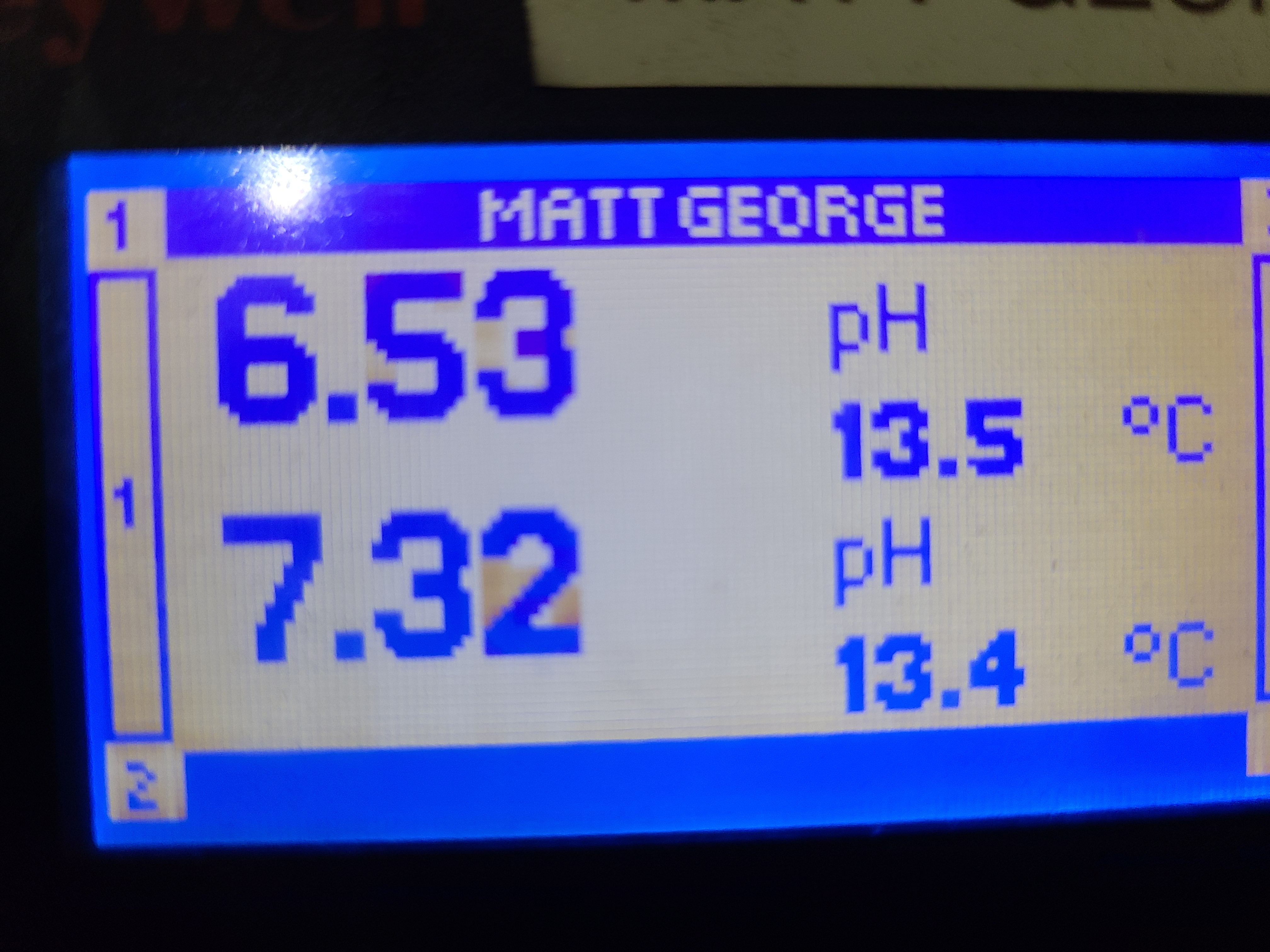
UDA2182 home screen
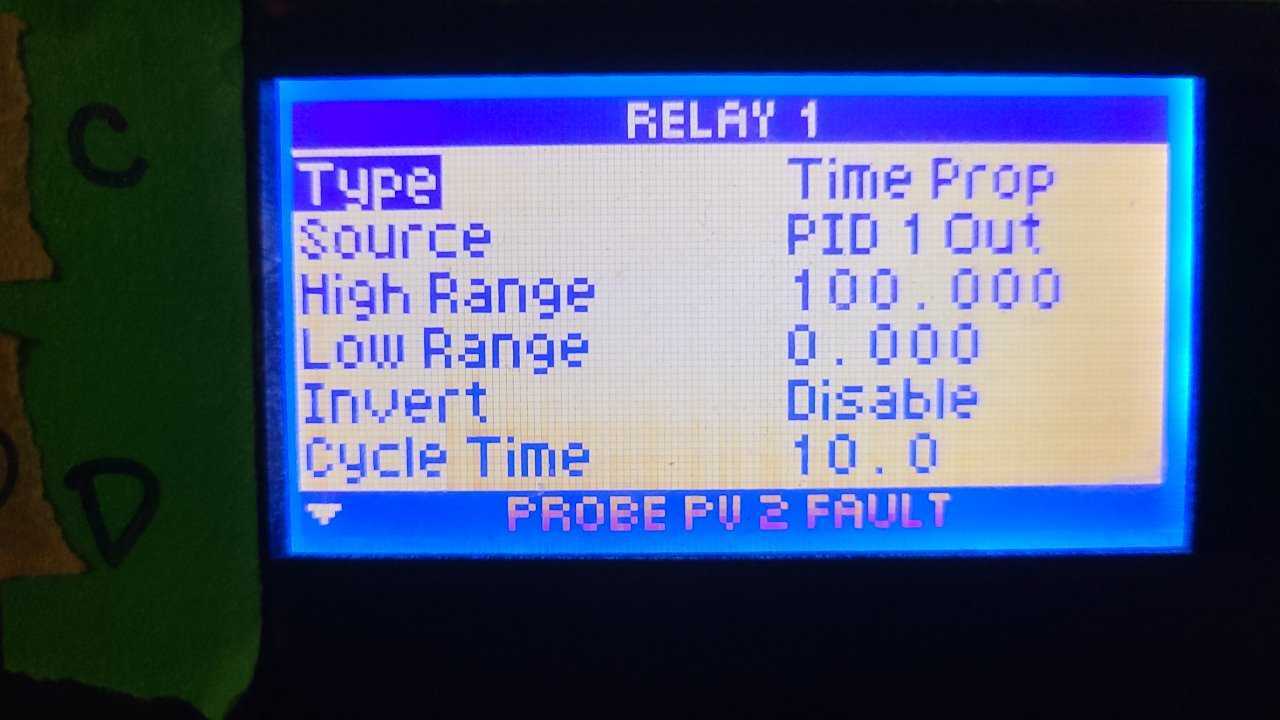
Relay - connected to solenoid that is normally closed
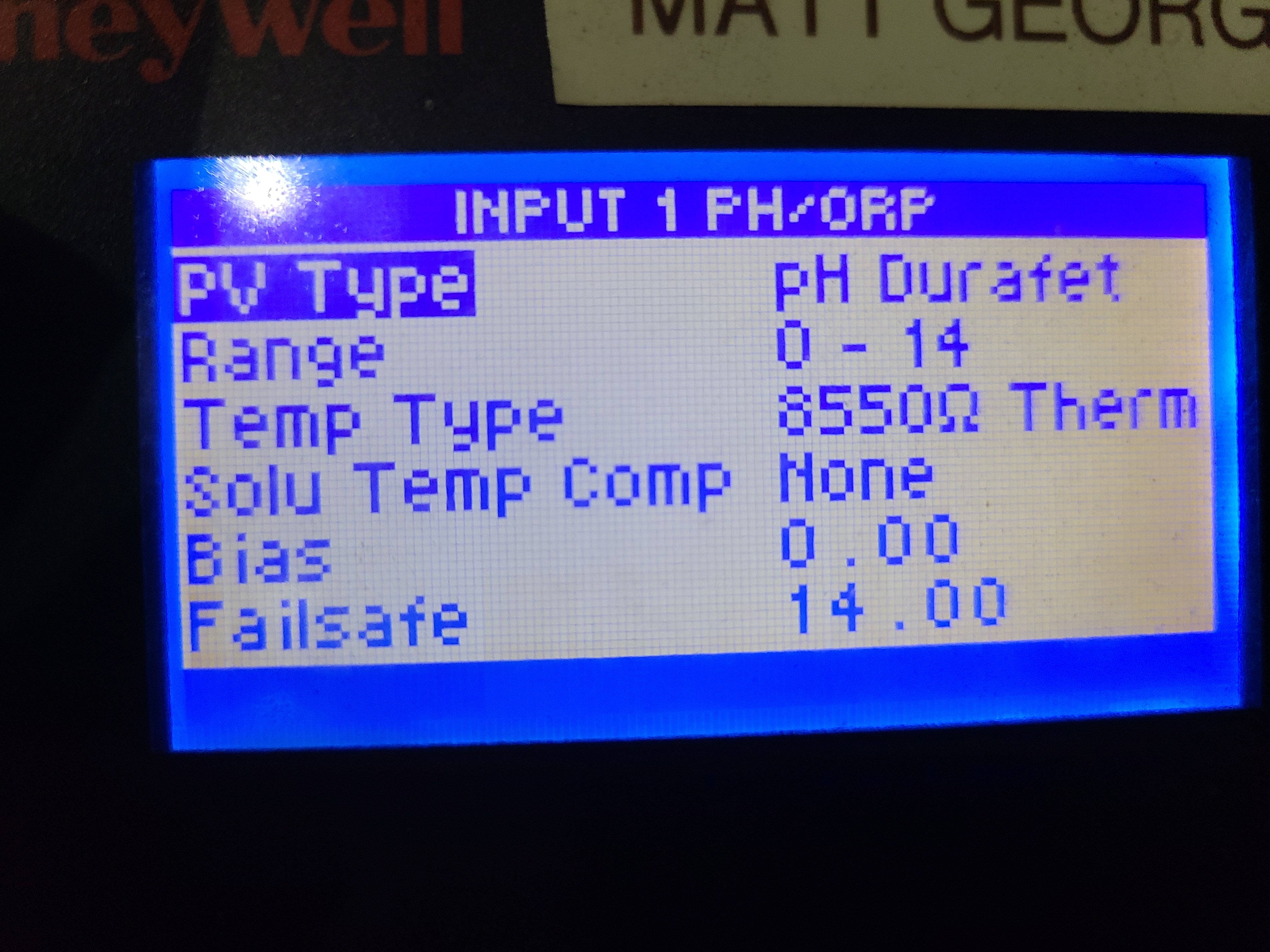
Input - durafet probe
Output - 4-20 mA output of pH value to external device
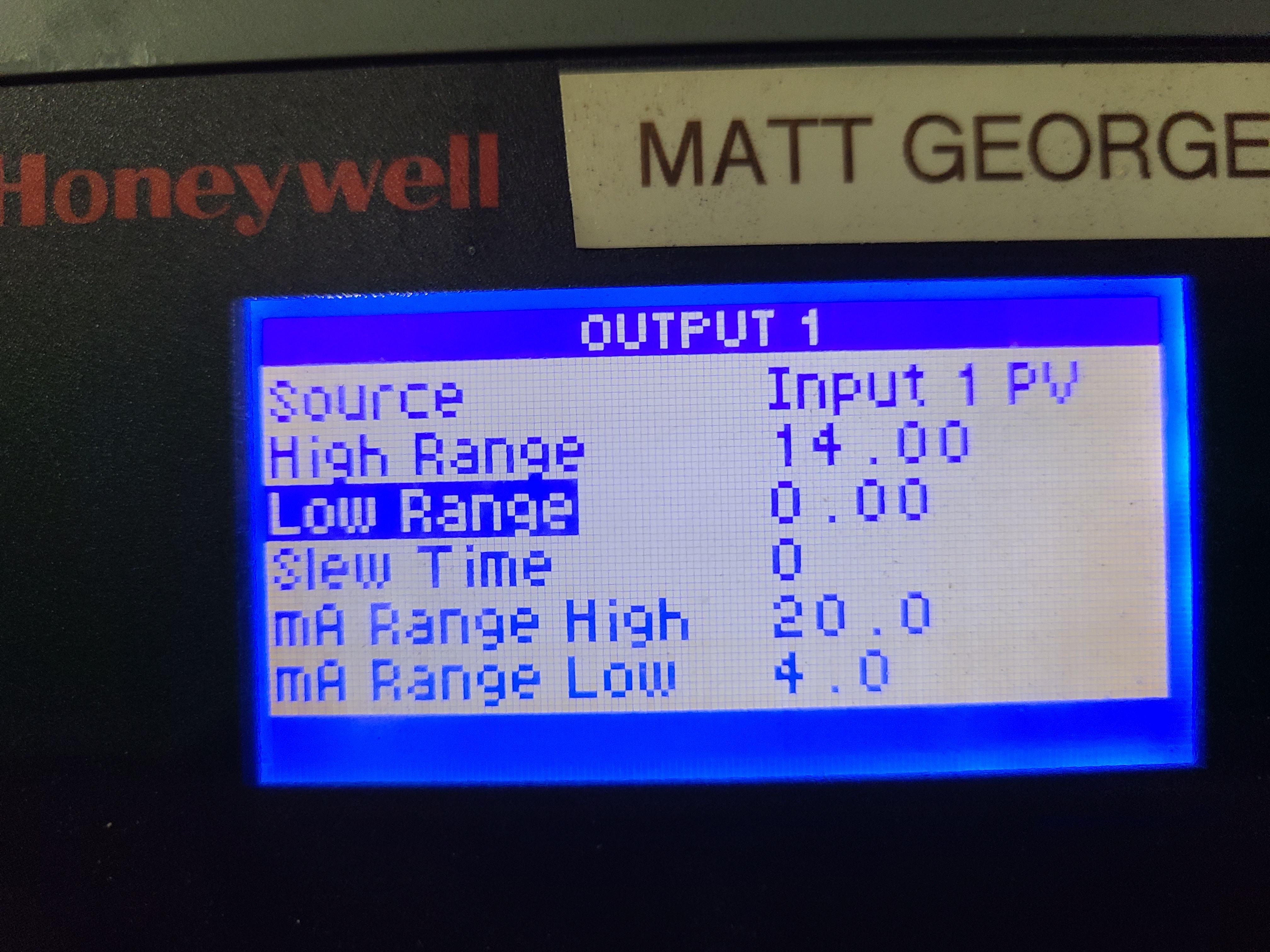
The UDA outputs supply current (0-20 mA, see above). If the another system wants volts than you will need to convert the mA signal. You can do that using a converter board like this one (2 pack, move spacer on board to set output to 0-5V). The boards themselves will also need to be powered with a 12V DC power supply. This one should be able to handle two no issues. Once the signal is converted, 20 mA -> 5 V -> pH 14. (edited)
Setup the PID loop (older firmware version)

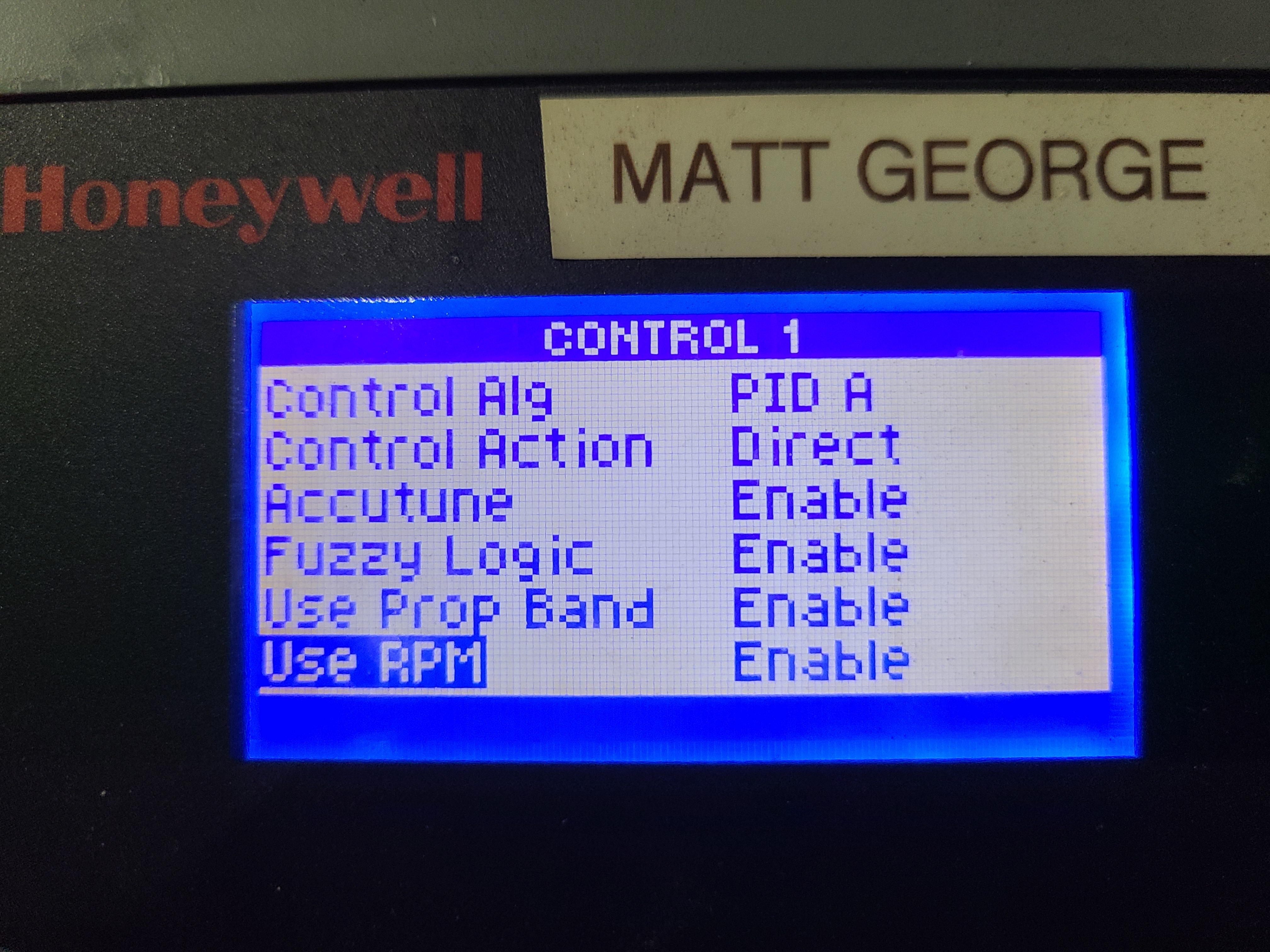
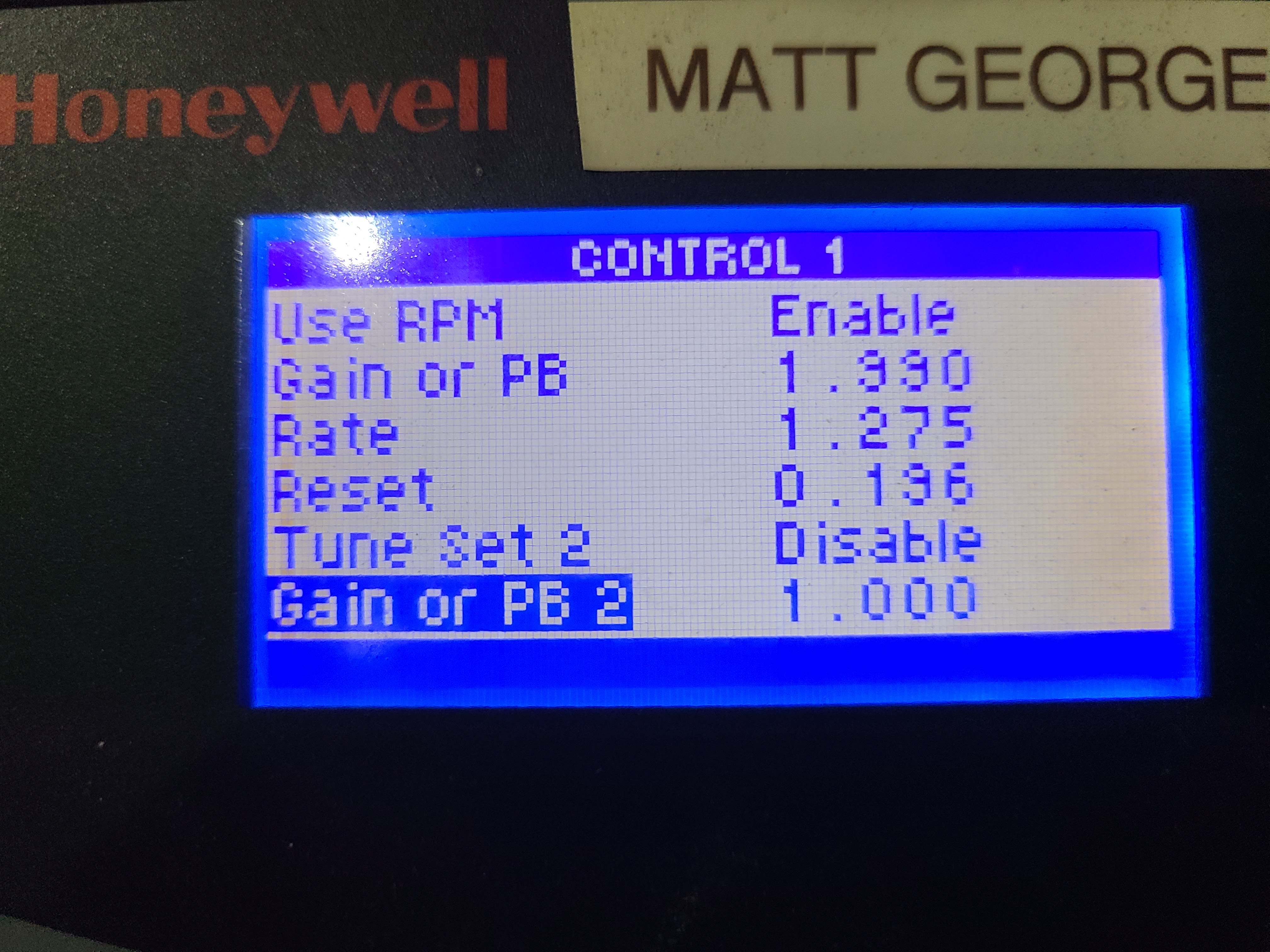

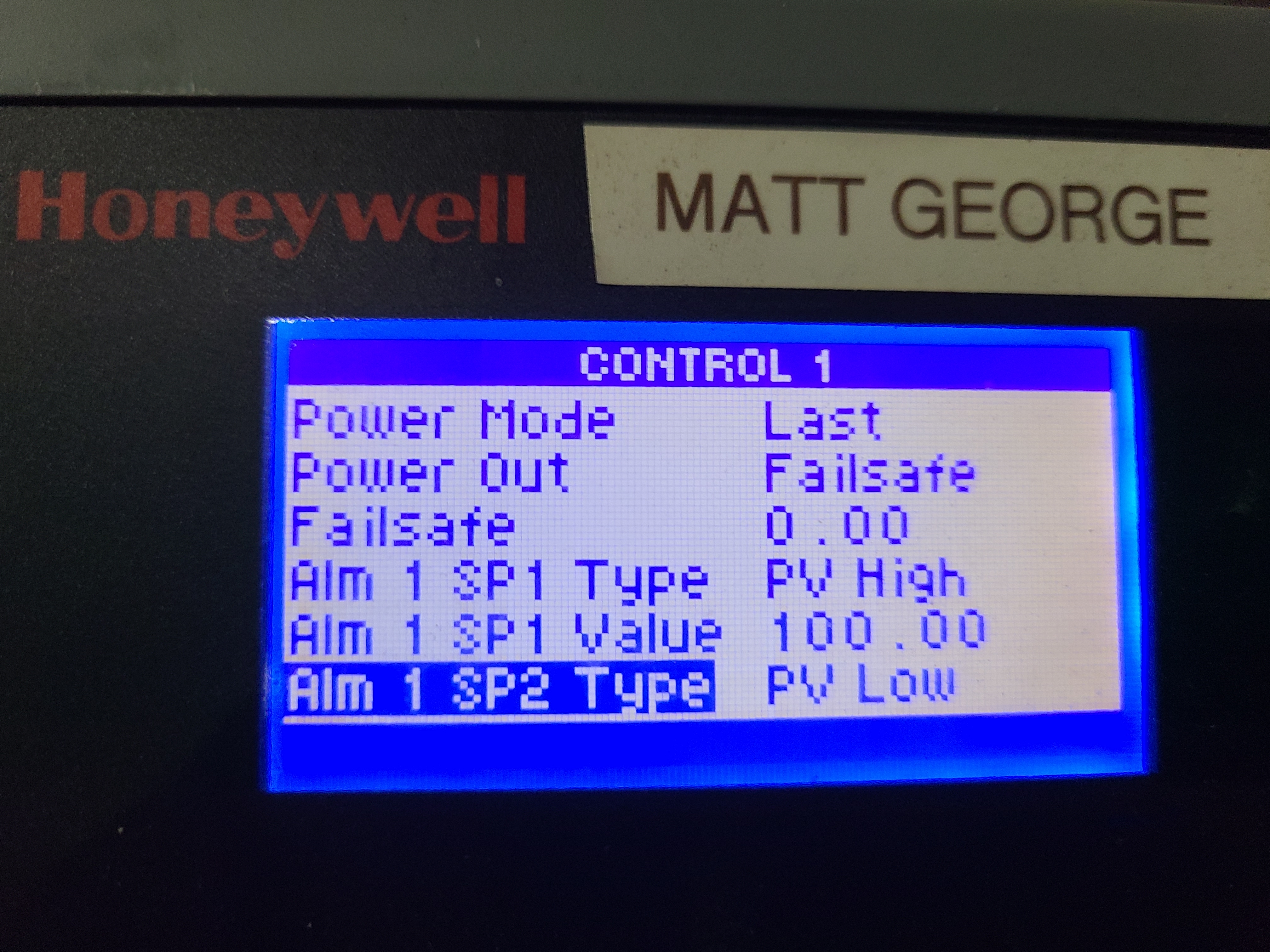
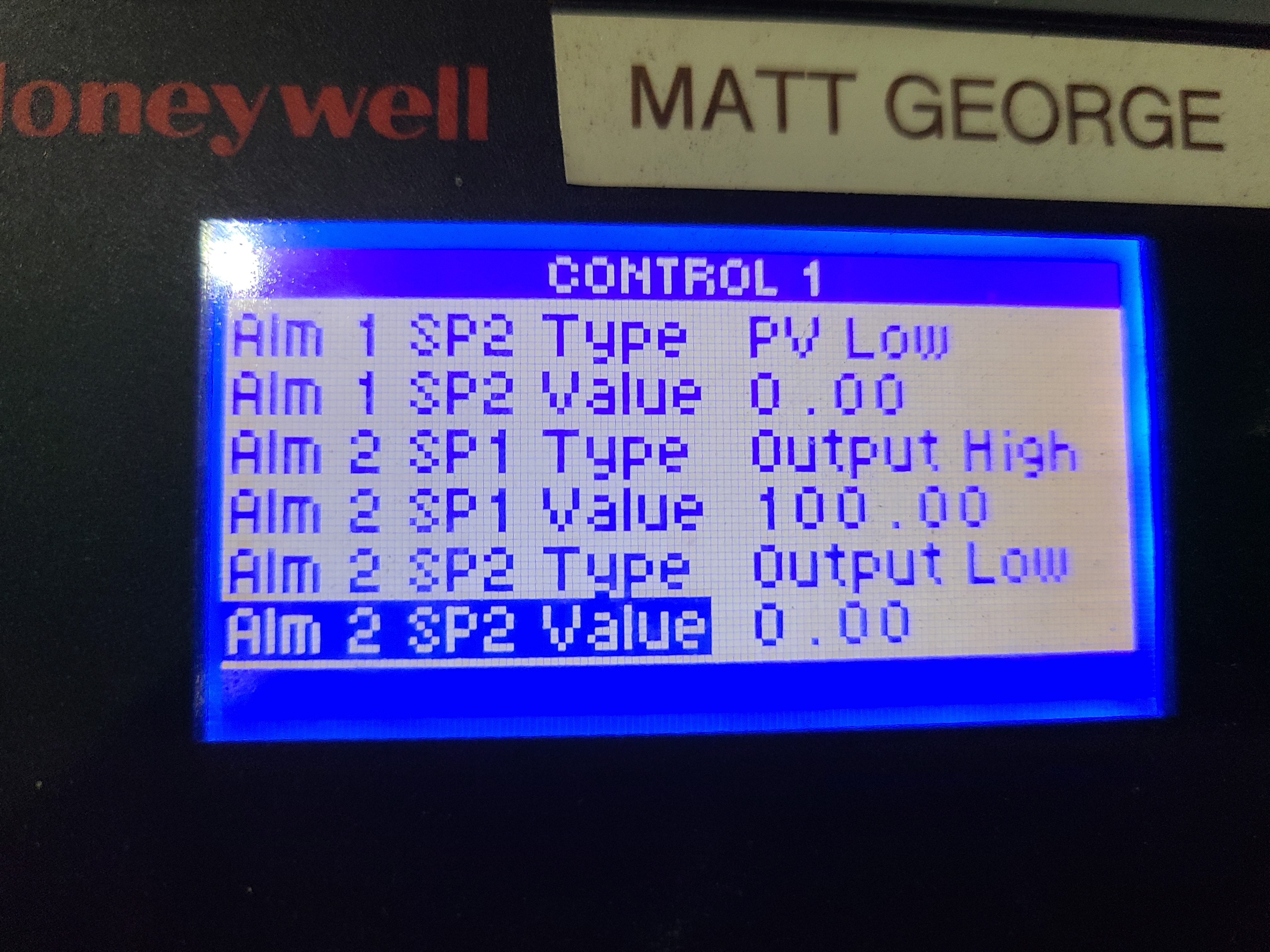
Navigate to PID control screen
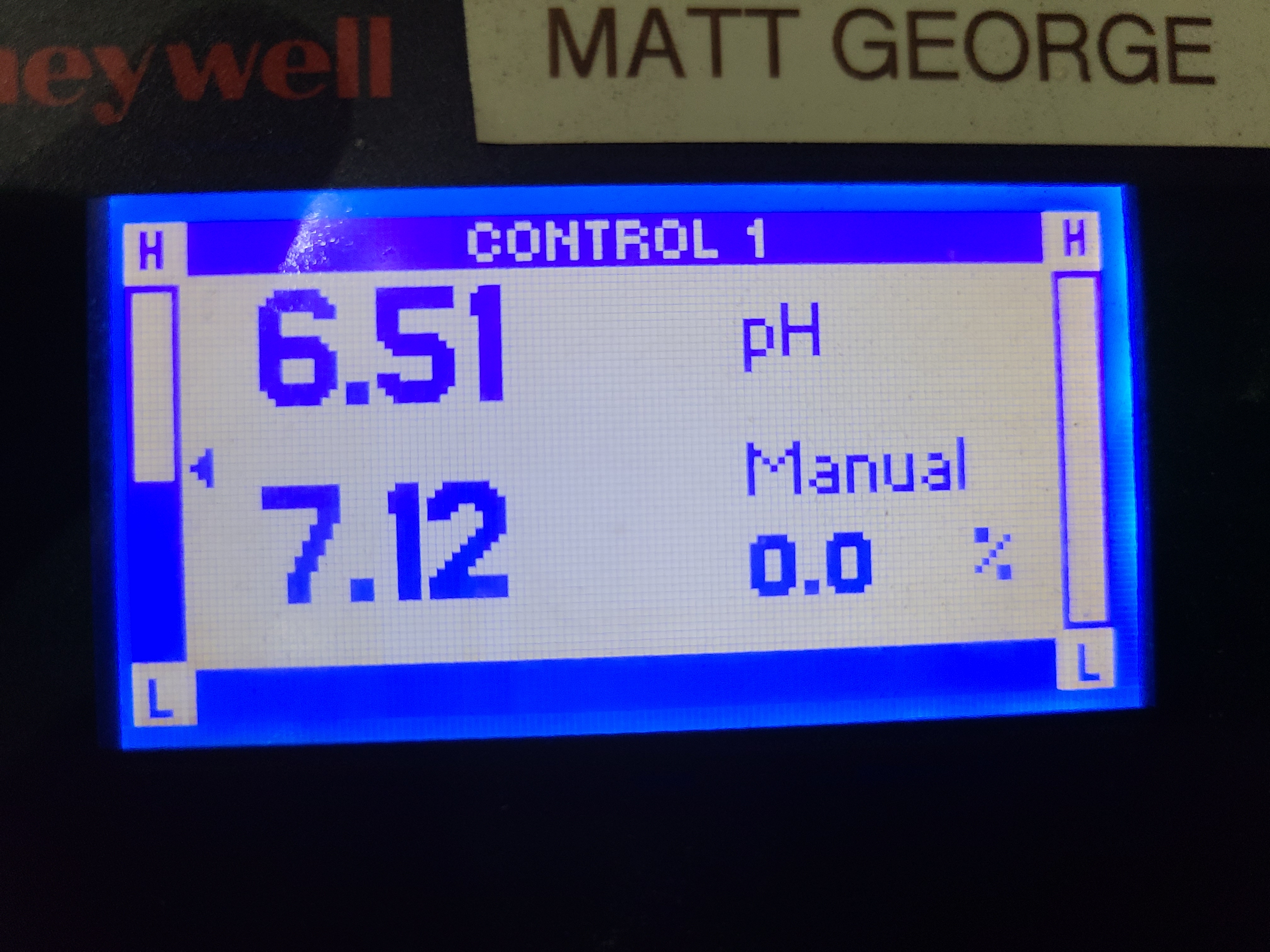
The top pH on the top left is the Durafet values, the bottom left is the setpoint, and the bottom right is the activity of the solenoid (% open)
Press enter to open PID control menu
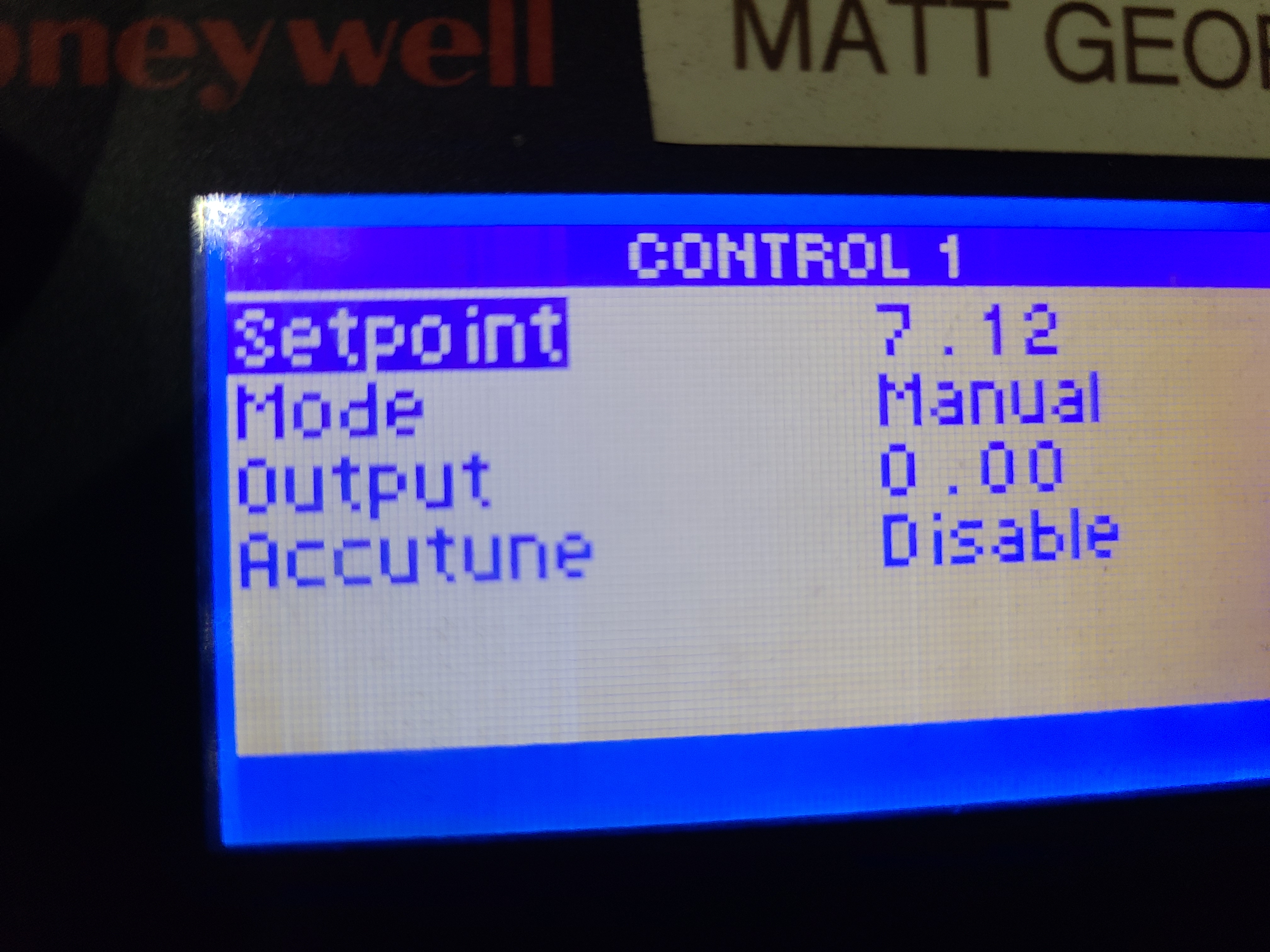
Start PID loop
Video of the PID loop starting, recorded 18 Mar 2022 (also on YouTube).